Identity theft is one of the most common forms of cybercrime. Stolen personal information can be used to access online accounts, commit financial fraud, open unauthorized accounts, or impersonate individuals across digital platforms.
As online services continue to rely on digital identities, protecting user accounts has become increasingly important.
One of the most widely used security measures is SMS verification. Banks, social media platforms, e-commerce websites, government portals, and online services frequently send one-time passwords (OTPs) to verify a user's identity before allowing logins, password resets, or sensitive account changes.
But an important question remains:
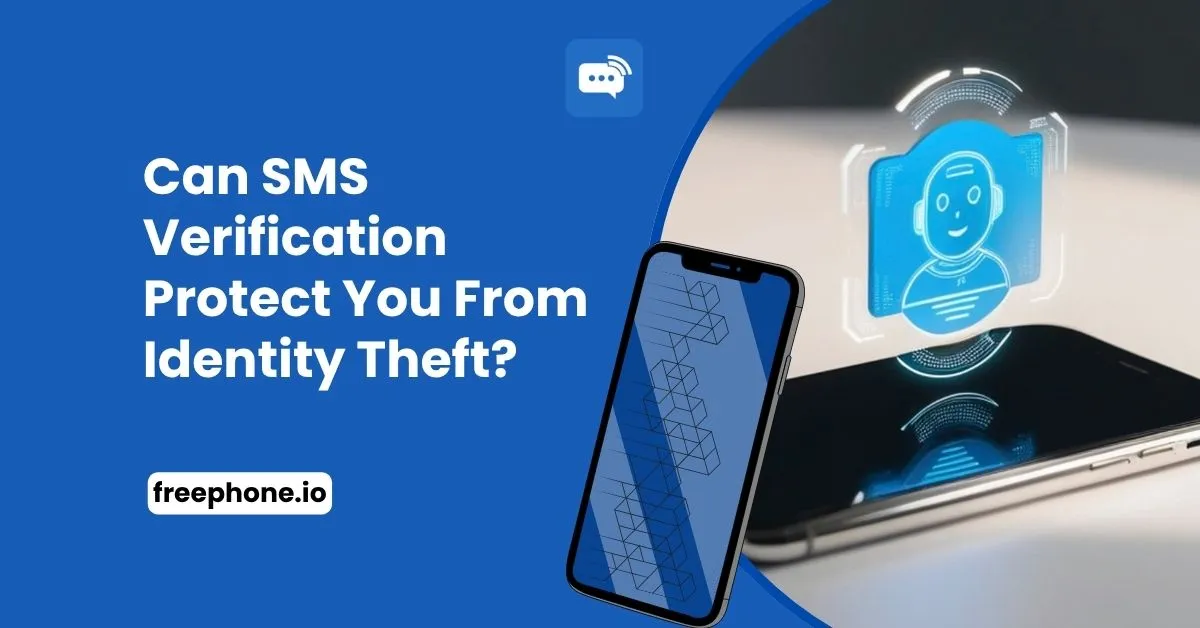
Can SMS verification actually protect you from identity theft?
The answer is yes, but only to a certain extent. SMS verification significantly improves account security compared to using a password alone, but it is not a complete defense against identity theft.
Like any security technology, it has strengths, limitations, and risks that users should understand.
This guide explains how SMS verification contributes to identity protection, where it falls short, and what additional measures should be taken to secure your online accounts.
What Is Identity Theft?
Identity theft occurs when someone obtains and uses another person's personal information without permission, usually to gain financial, personal, or digital benefits.
Stolen information may include: Email addresses, Phone numbers, Passwords, Banking information, Government-issued identification, Credit card details, Social media credentials
Once criminals obtain enough information, they may attempt to:
Log in to existing accounts
Reset passwords
Transfer money
Create fake accounts
Apply for loans or credit cards
Commit fraud using another person's identity
Because many online services use phone numbers as part of their authentication process, SMS verification has become an important layer of protection.
How SMS Verification Helps Prevent Identity Theft
SMS verification adds a second step to account authentication.
Instead of relying only on a username and password, the platform also sends a one-time code to the registered phone number. Access is granted only after the correct code is entered.
This means that stealing a password alone is often not enough to compromise an account.
For example:
An attacker learns your password through a data breach.
They attempt to log in.
The website requests an SMS verification code.
The code is sent to your registered phone number.
Without access to that phone, the attacker cannot complete the login.
In this situation, SMS verification successfully prevents unauthorized access.
Situations Where SMS Verification Is Most Effective
SMS verification provides valuable protection in several common scenarios.
Protecting Accounts After Password Leaks
Data breaches expose millions of passwords every year. Many users also reuse passwords across multiple websites.
Even if an attacker obtains your password, SMS verification creates an additional barrier before access is granted.
Detecting Unauthorized Login Attempts
Many platforms send an SMS whenever a login is attempted from:
A new device
A different location
An unfamiliar browser
Receiving an unexpected verification request can alert you that someone is attempting to access your account.
Securing Password Recovery
Password reset systems often rely on phone verification before allowing users to create a new password. Without access to the registered phone number, unauthorized password changes become significantly more difficult.
Confirming High-Risk Actions
Banks and financial services frequently require SMS verification before allowing actions such as:
Changing account information
Adding new payment methods
Transferring funds
Approving large transactions
These additional checks reduce the likelihood of unauthorized account activity.
The Limitations of SMS Verification
Although SMS verification improves security, it is not immune to attack. Understanding its limitations is essential for making informed security decisions.
SIM Swap Attacks
One of the best-known threats is SIM swapping.
In a SIM swap attack, criminals convince a mobile carrier to transfer your phone number to a SIM card they control. Once successful, SMS verification codes intended for you are delivered to the attacker instead.
Although carriers have strengthened identity verification procedures, SIM swap attacks continue to target individuals with valuable financial or cryptocurrency accounts.
Phone Number Hijacking
If someone gains control of your phone number through account compromise or unauthorized carrier changes, SMS verification becomes ineffective because verification messages reach the attacker.
Protecting your mobile carrier account is therefore just as important as protecting your online accounts.
Malware on Mobile Devices
Malicious software installed on a smartphone may intercept SMS messages or capture verification codes. Keeping your device updated and avoiding untrusted applications helps reduce this risk.
Phishing Attacks
Attackers do not always need to bypass SMS verification, they may simply trick users into providing the code voluntarily. For example, a fake banking website may request your username, password, and SMS verification code before forwarding them to the real website in real time.
Because the user enters the code willingly, SMS verification cannot prevent this type of attack.
SMS Verification vs. Multi-Factor Authentication
Many people use the terms interchangeably, but they are not identical.
SMS verification is one method of multi-factor authentication (MFA).
Other authentication methods include:
Authentication apps
Hardware security keys
Biometric authentication
Passkeys
Email verification
Among these, authentication apps and passkeys generally provide stronger protection against phishing and SIM swap attacks.
However, SMS verification remains one of the most widely supported and easiest security methods for users to adopt.
Best Practices for Using SMS Verification Safely
SMS verification works best when combined with good security habits.
Use Strong, Unique Passwords
Avoid reusing passwords across multiple accounts. If one website experiences a data breach, unique passwords help prevent attackers from accessing your other accounts.
Protect Your Mobile Carrier Account
Enable carrier account PINs or additional identity verification if your provider offers them. This reduces the likelihood of unauthorized SIM swaps.
Be Cautious of Phishing Attempts
Never share verification codes with anyone, including individuals claiming to represent your bank, employer, or service provider. Legitimate organizations will rarely ask you to read an OTP over the phone.
Enable Additional Security Features
Many services allow users to combine SMS verification with:
Authenticator apps
Recovery codes
Passkeys
Device approval
Using multiple security methods provides stronger protection than relying on SMS alone.
Keep Your Phone Number Up to Date
If you change your phone number, update your important accounts promptly. An outdated number may prevent legitimate account recovery when you need it most.
Does Using a Temporary Phone Number Improve Security?
Some users prefer using temporary or virtual phone numbers to protect their personal mobile number during online registration. Whether this improves security depends on the type of account.
For temporary registrations, trial accounts, or low-risk services, a temporary phone number can reduce unnecessary exposure of your personal number.
For banking, healthcare, government services, cloud storage, or long-term accounts, a phone number that you control continuously is usually the better option because future login verification and account recovery depend on ongoing access.
Private virtual numbers may be appropriate in some situations, while shared public temporary numbers should generally be avoided for sensitive accounts.
When SMS Verification Alone Is Not Enough
SMS verification is an important security layer, but some situations require stronger protection.
You should consider additional authentication methods if you:
Manage financial accounts.
Store sensitive personal information.
Handle cryptocurrency assets.
Administer business systems.
Access confidential company data.
Manage large online communities or business accounts.
Combining SMS verification with stronger authentication methods significantly reduces the likelihood of successful account compromise.
How FreePhone Fits
FreePhone provides temporary public numbers for quick SMS verification and private virtual numbers for users who need exclusive access to verification messages.
While temporary numbers are useful for protecting privacy during low-risk registrations, important personal and financial accounts should always use a phone number that remains under your long-term control. Choosing the right type of number for each account is an important part of maintaining both privacy and security.
Conclusion
SMS verification is an effective security measure that helps reduce the risk of identity theft by requiring access to a registered phone number before sensitive account actions can be completed. It protects against many common attacks, including unauthorized logins using stolen passwords, and remains one of the most widely adopted forms of multi-factor authentication.
However, SMS verification is not foolproof. SIM swap attacks, phishing, malware, and phone number compromise can still undermine its effectiveness.
The strongest protection comes from combining SMS verification with strong passwords, secure devices, additional authentication methods, and careful management of your phone number.
Rather than viewing SMS verification as a complete solution, it should be considered one important layer in a broader account security strategy.
Visit FreePhone for SMS Verification
Download the App | Android | IOS |
Frequently Asked Questions
Can SMS verification stop identity theft?
SMS verification helps prevent many forms of unauthorized account access, but it cannot stop every type of identity theft. It is most effective when combined with other security measures.
Is SMS verification safer than using only a password?
Yes. Requiring a one-time verification code adds an additional authentication factor, making it harder for attackers to access your account using a stolen password alone.
Can hackers bypass SMS verification?
In some cases, yes. Techniques such as SIM swap attacks, phishing, or malware can compromise SMS verification, although these attacks are generally more difficult than stealing a password.
Should I use SMS verification for banking?
Yes. SMS verification is better than password-only authentication, but many banks also support stronger authentication methods such as authenticator apps or biometric verification.
Are temporary phone numbers suitable for identity protection?
Temporary phone numbers can help protect your personal phone number during low-risk registrations. However, for important accounts that require long-term access and recovery, using a phone number you control continuously is generally the safer choice.